
Change language and preferences
Use the language selector at the top of this page to read the help center in Hebrew or English. Changing the help center language does not change SmartBill’s language.
Choose the screen you use for SmartBill:
- Open Settings.
- In the account section, choose My preferences.
- Select your preferred language.
- You can also review personal notification preferences on this screen.
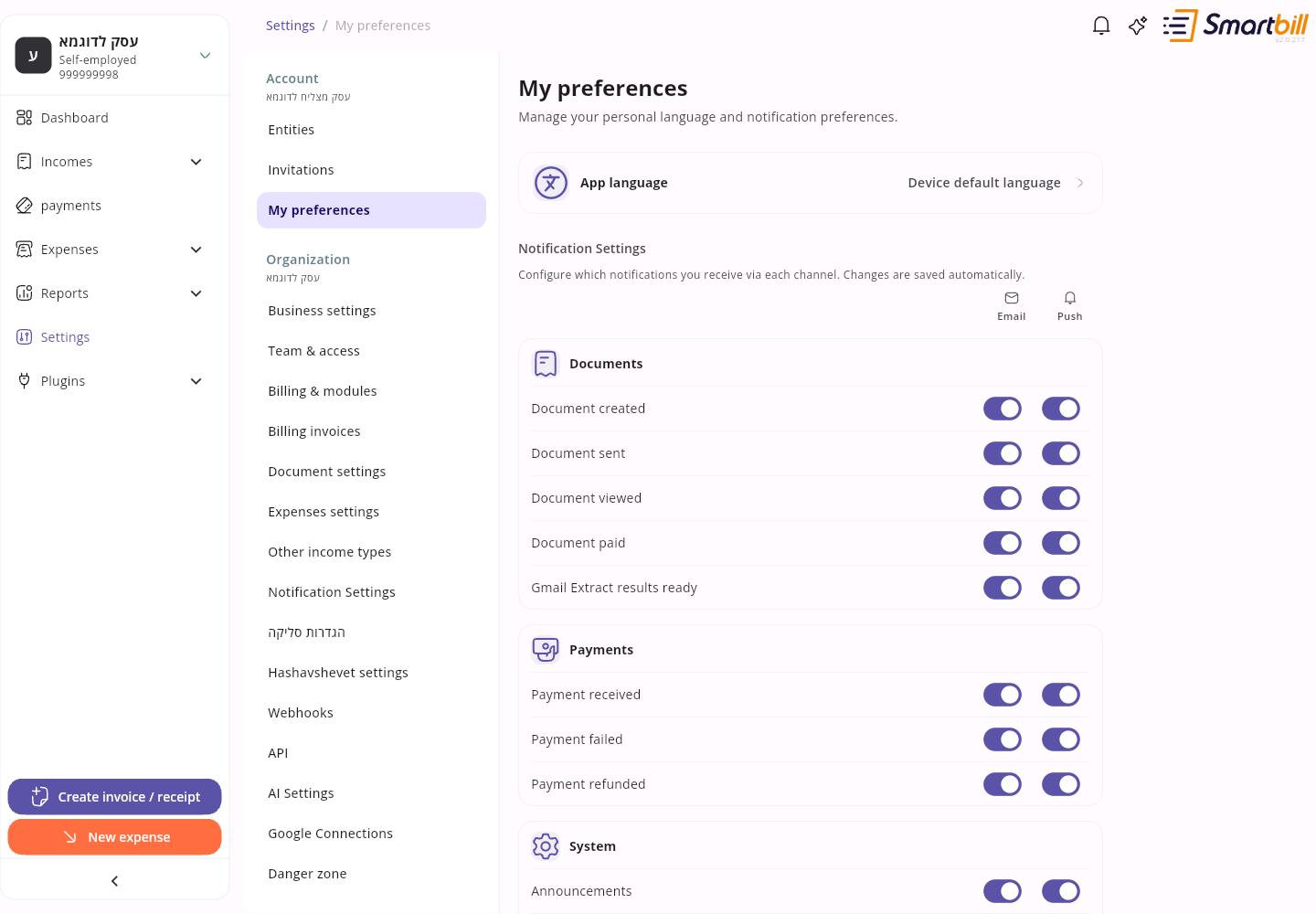 Enlarge screenshot
- Tap the account picture and choose Settings.
- Open My preferences in the account section.
- Choose a language and scroll to notification preferences if you want to change them.
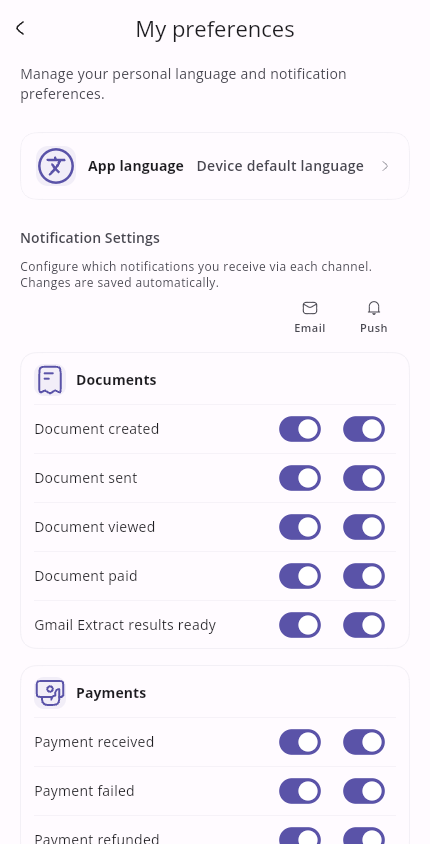 Enlarge screenshot
Hebrew reads right to left and English left to right. Guides refer to action names instead of assuming a fixed side of the screen.